
First setup on Mac
Mac running the supported version of macOS. UI labels below are in English.
Finish setup before capture starts
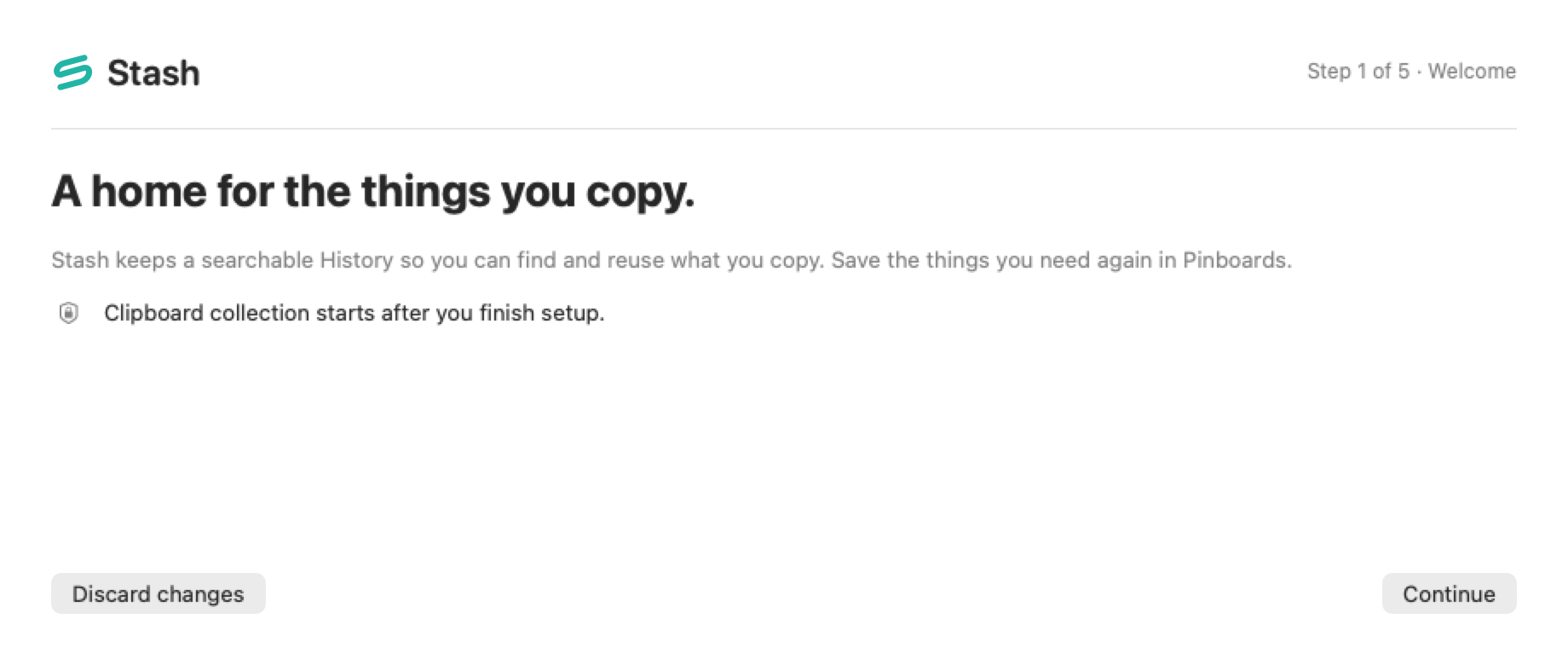
Section titled “Finish setup before capture starts”- Open Stash. A new library starts in Stash Setup with capture paused.
- Use Continue to review retention and excluded apps. Shortening retention for an existing library may ask you to confirm removal of old History. Pinboards are kept.
- Review the Open Stash and Paste Stack shortcuts and choose whether to launch at login. If a shortcut conflicts, record another or continue without it and use the menu bar.
- Choose whether to grant Accessibility for direct paste. You can continue without it and paste manually. A macOS grant takes effect immediately and can outlive the setup draft.
- Choose Finish. Stash opens Clipboard and skips the clipboard content that was already present. Copy a new sample to try it.
Resume or change your choices
Section titled “Resume or change your choices”Use Resume Setup from the menu bar. Discard changes clears the draft. In first setup it returns you to Welcome with capture still paused. An existing library can reopen Settings → General → Setup Wizard…. Outside a text input or shortcut recorder, Command–Return continues or finishes. If saving fails, resolve the error and try Finish again.
If macOS asks about launch at login, check System Settings → General → Login Items & Extensions. Use manual startup if registration is unavailable. See troubleshooting.