
Save and organize with Pinboards
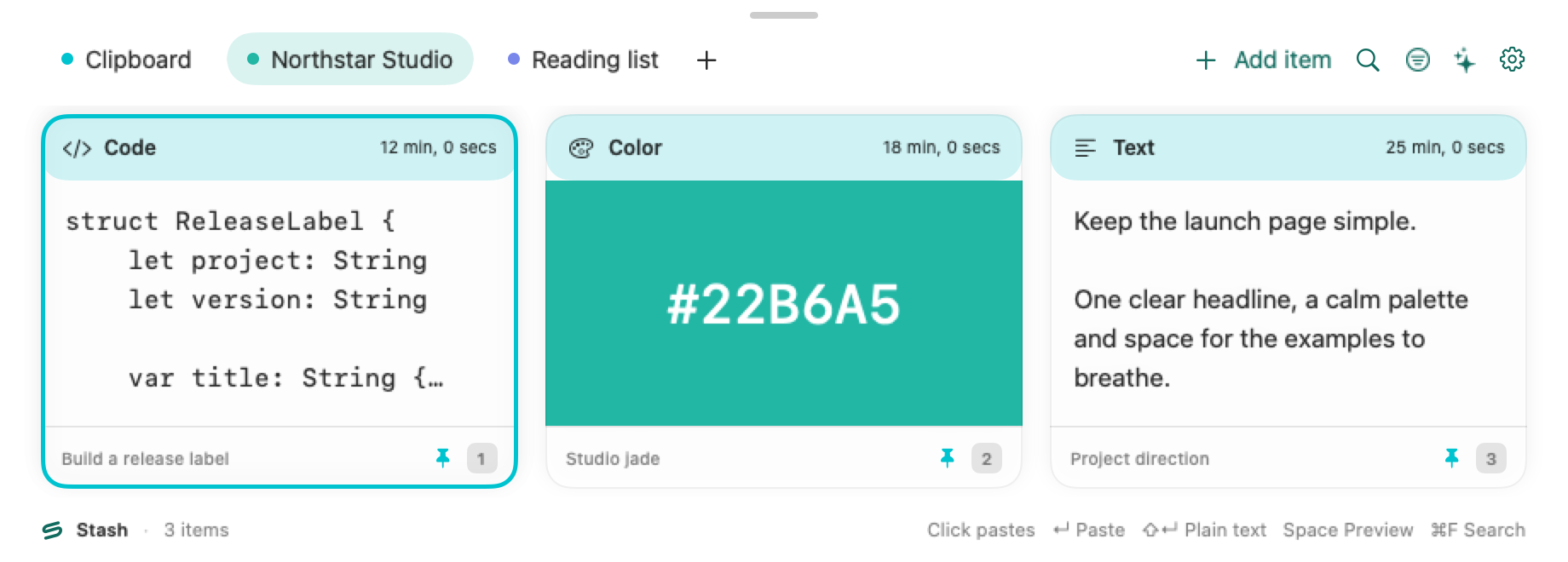
Local Pinboards in the public Mac build. Shared boards need a separate build.
Create a board
Section titled “Create a board”Use the + beside the tabs (New pinboard) or the default ⇧⌘N, give the board a name, and open its tab. You can rename it or change its color from the tab’s context menu.
Save a clip or write a new one
Section titled “Save a clip or write a new one”From Clipboard, select a clip and choose a board from Pin in the item’s context menu. In a writable board, use Add item or ⌘N to create a text item there. The editor keeps the board as its destination even if you switch tabs while drafting. A newly authored board item does not create a copy in History.
Remove carefully
Section titled “Remove carefully”Review the confirmation before choosing Delete pinboard and its items…. Export a backup before removing a board you might need later. Retention settings apply to History. See iCloud and sharing for requirements for sharing a board.