
Edit text and code
Mac running the supported version of macOS. UI labels below are in English.
Pick a format
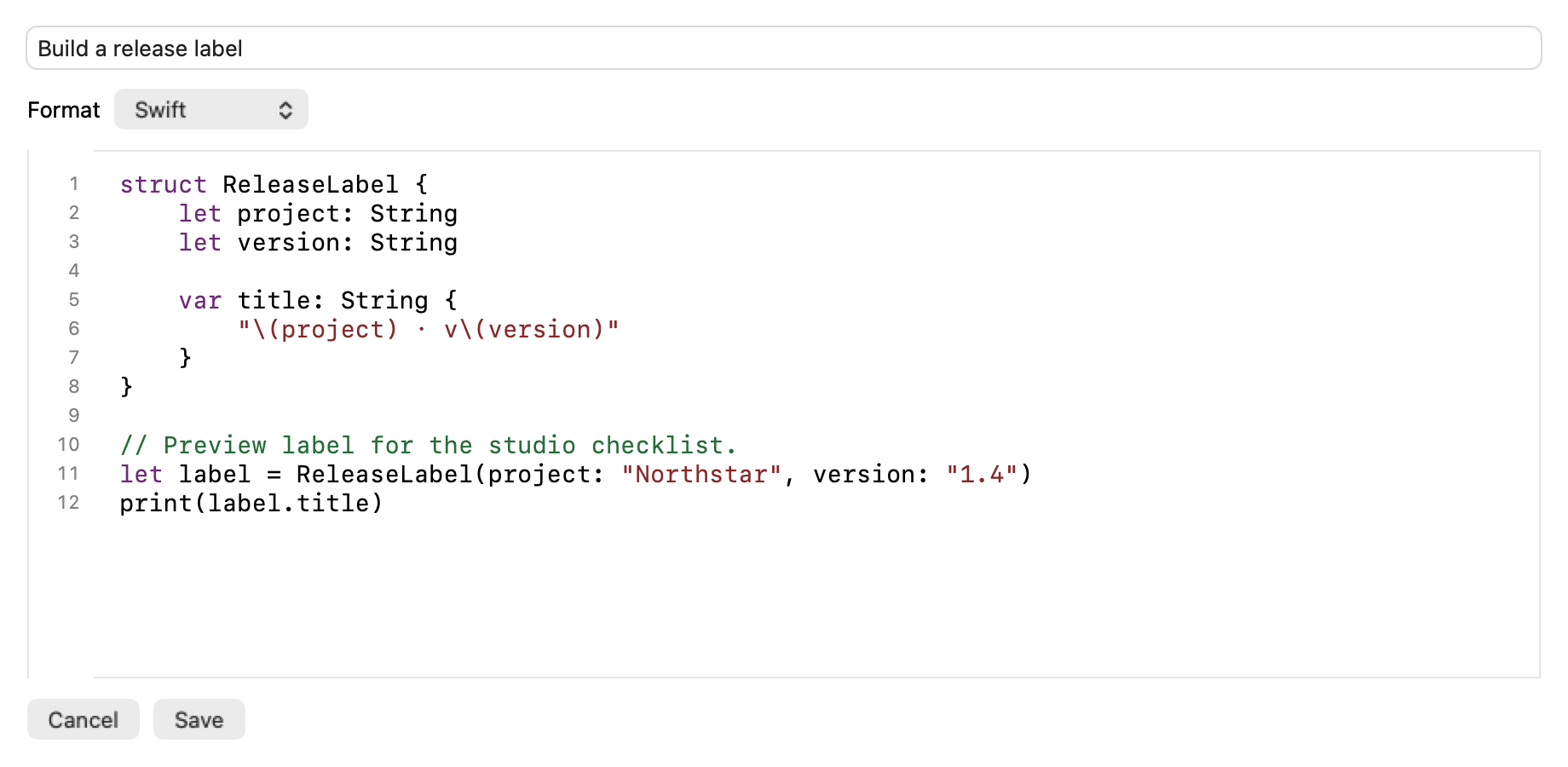
Section titled “Pick a format”Open an editable clip’s context menu and choose Edit…, or create text from a writable Pinboard. Give the item an optional title. The format selector offers Plain Text, Rich Text, and code languages.
- Plain Text keeps the literal characters without rich styling.
- Rich Text preserves supported formatting. Read the confirmation before changing to a format that removes formatting.
- A code language adds lexical syntax coloring, line numbers and indentation tools. Use Tab or Shift–Tab to indent or outdent selected lines. Code stays literal when copied. Selecting HTML does not run or render it.
Save or discard a draft
Section titled “Save or discard a draft”Choose Save to apply changes or Cancel to back out. Review the prompt before losing edits or formatting. If the destination disappears or becomes unwritable, keep the draft open and copy the text somewhere safe before closing it.